
We're glad you're here!
This page is intended to help you find your way around, so bookmark it to make sure you can refer back to it when you need it!
Start with your dashboard
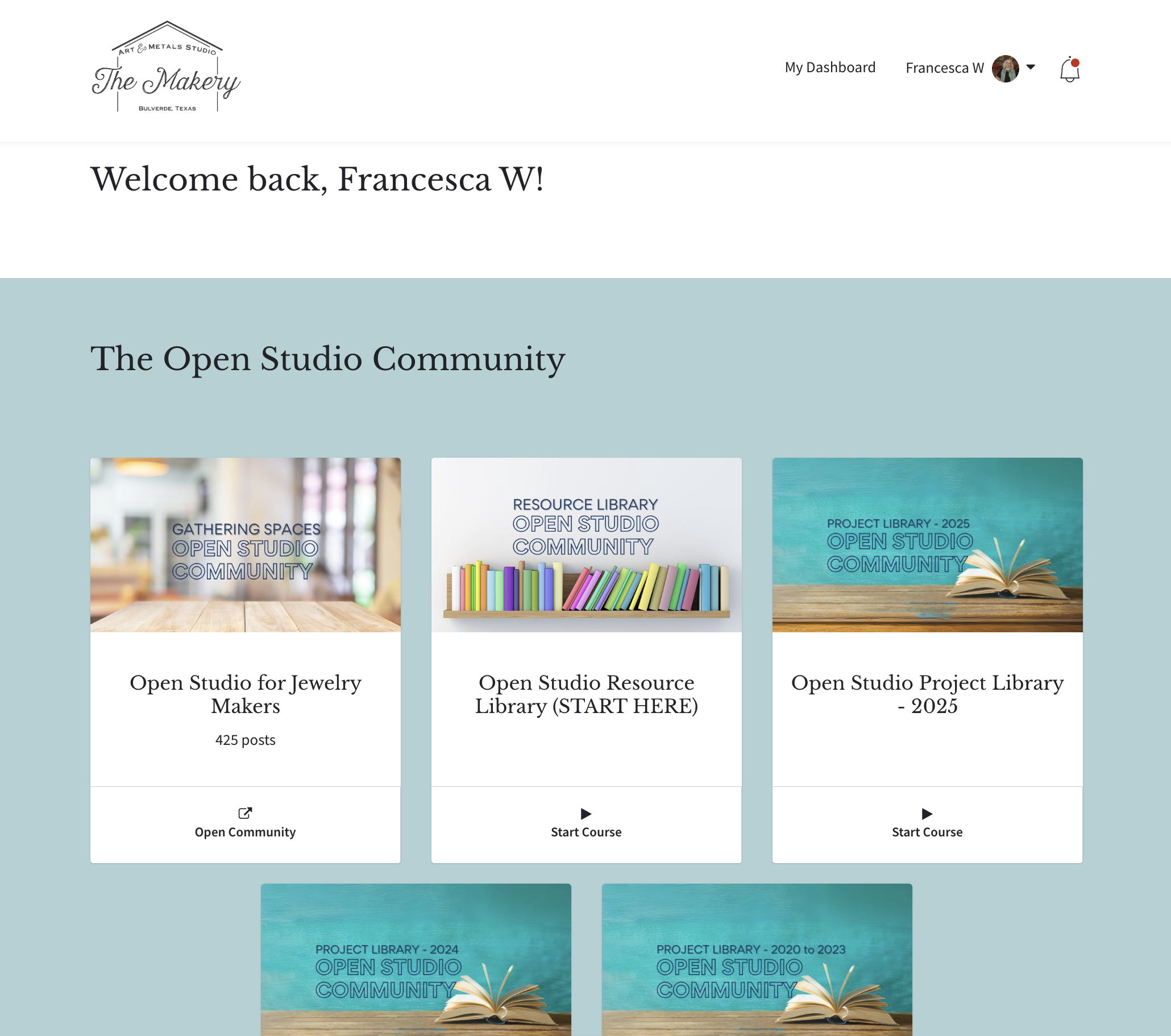
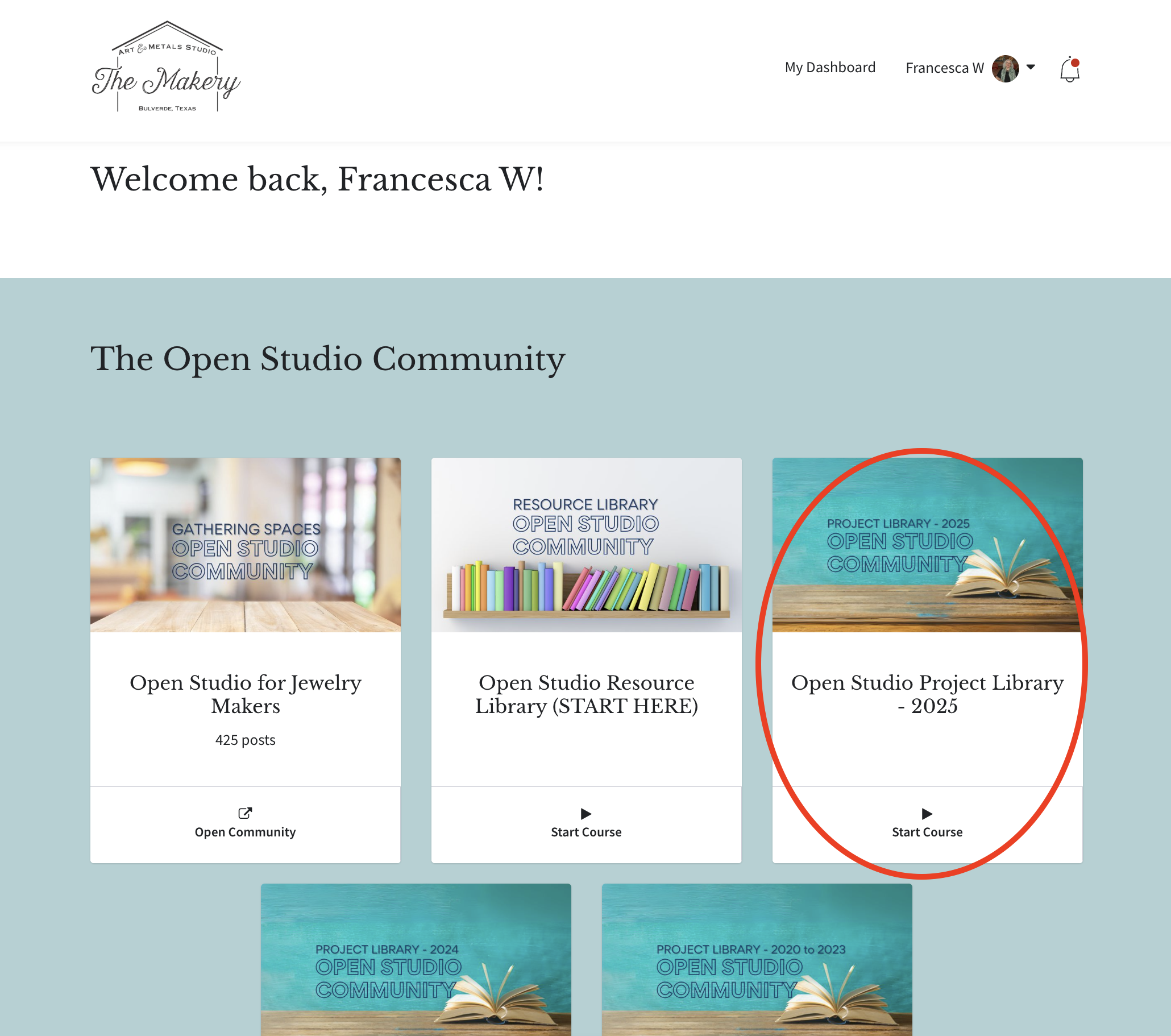
Your dashboard is the key to navigating the site. All the Open Studio resources will appear in the blue section at the top. You can find a link to the dashboard from any page on the site. It's usually located in the top menu but you can also get to it by clicking on your profile photo and selecting "My Dashboard" from the drop down menu.
Visit our Community Hub
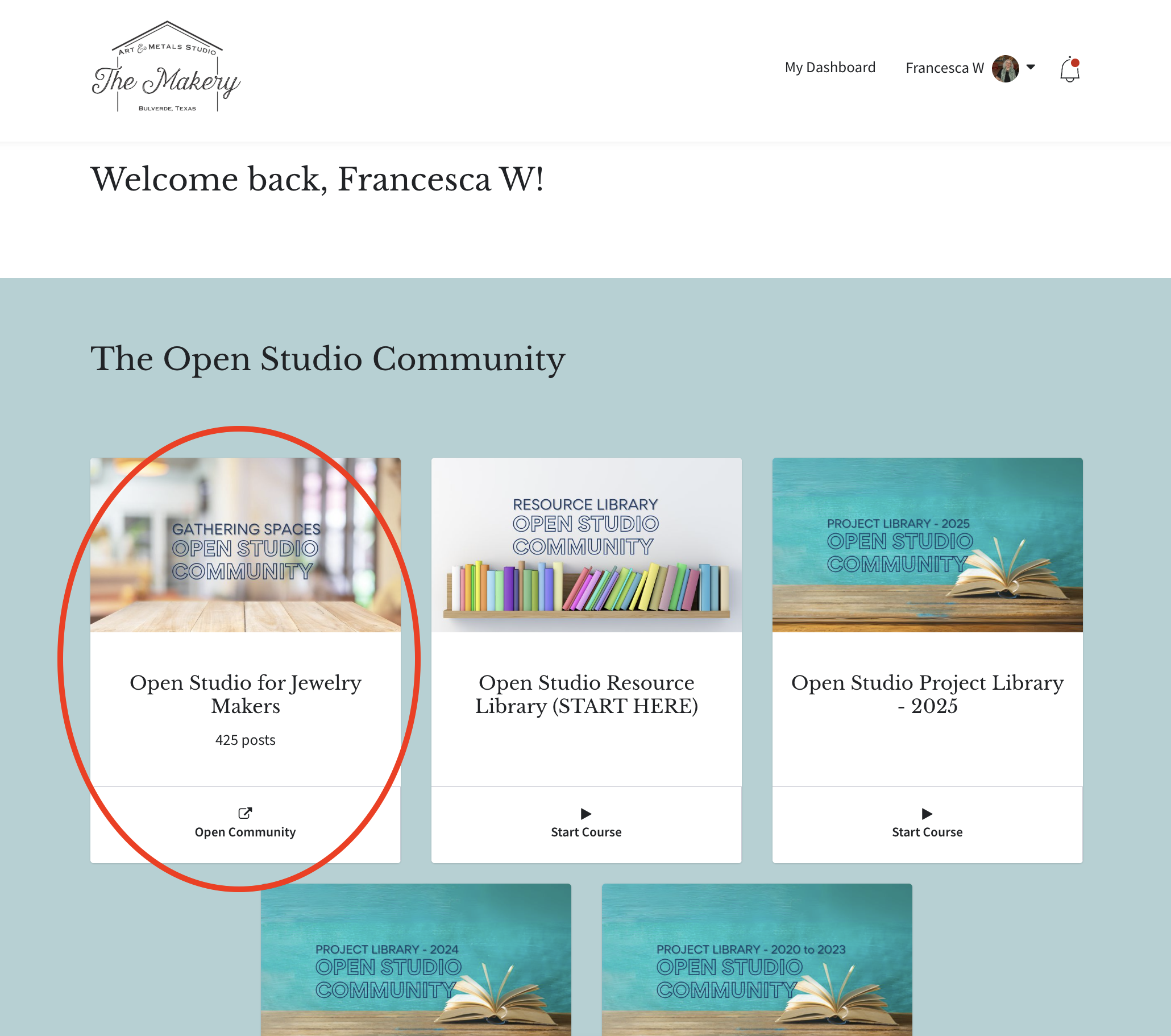
Clicking on the Open Studio Community card will take you to our private social community hub.
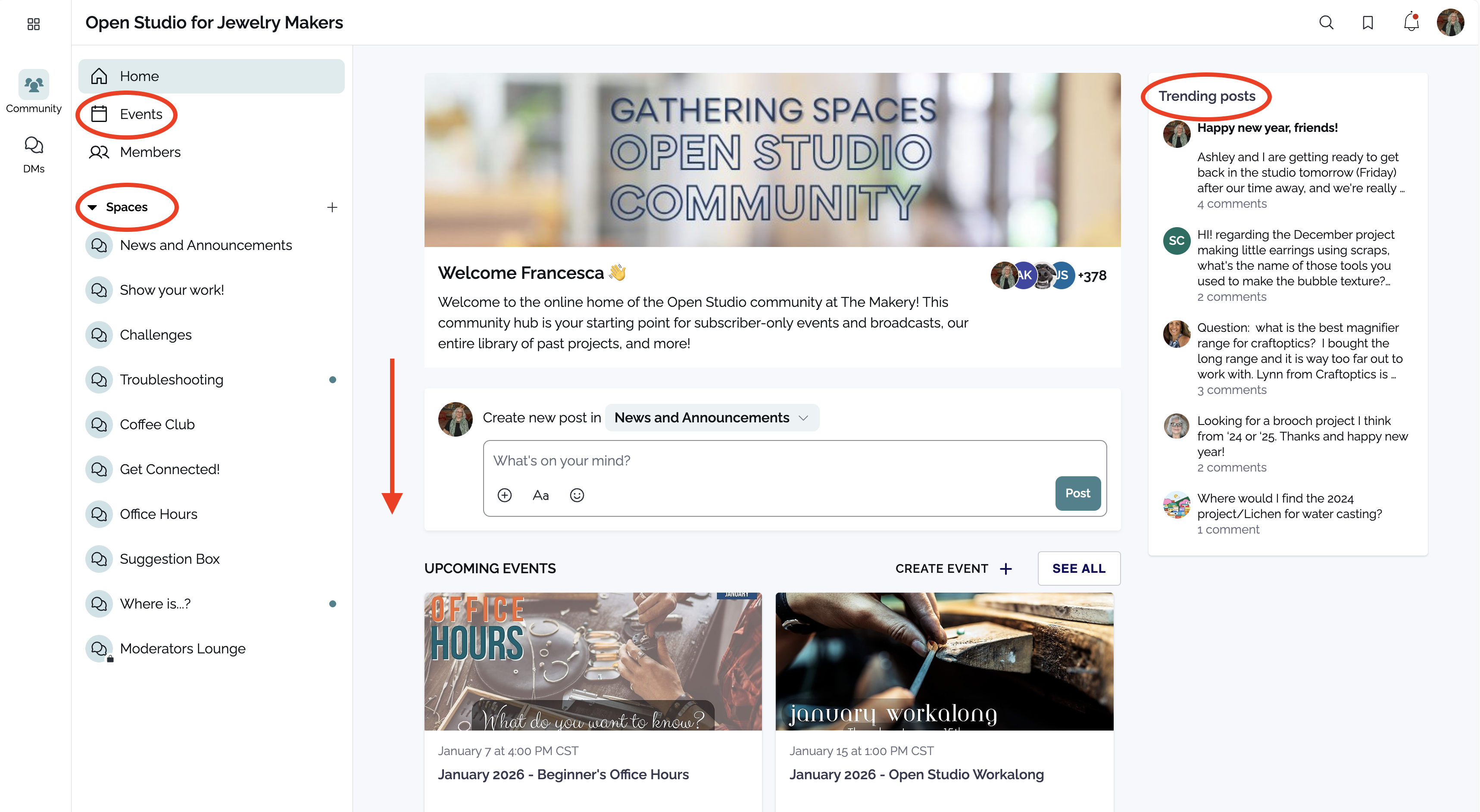
The hub operates very much the same way as other social media platforms. On the left side of the screen are links to the Events area and the various discussion Spaces in the hub. In the center is the hub feed; scroll down to see everything, but this area includes upcoming events and recent posts. On the right side are trending posts, so you can see what is getting the most attention from other members of our community.
Pay particular attention to the Events section; all member events will be posted here, with links to join and instructions about registering (if registration is required). To ensure the Event times are displaying correctly for you, please go to your profile and click on "My Account" to update your timezone.
And when you post, be sure you choose the right "space" - it will help us keep the conversation organized!
Our growing resource library
Clicking on the Open Studio Resource Library card will take you to an expanded overview of where to find things on the site, as well as resources like discount codes, books we recommend for your studio library, and how to get help with your account. This Resource Library will be added to over time with good general resource information.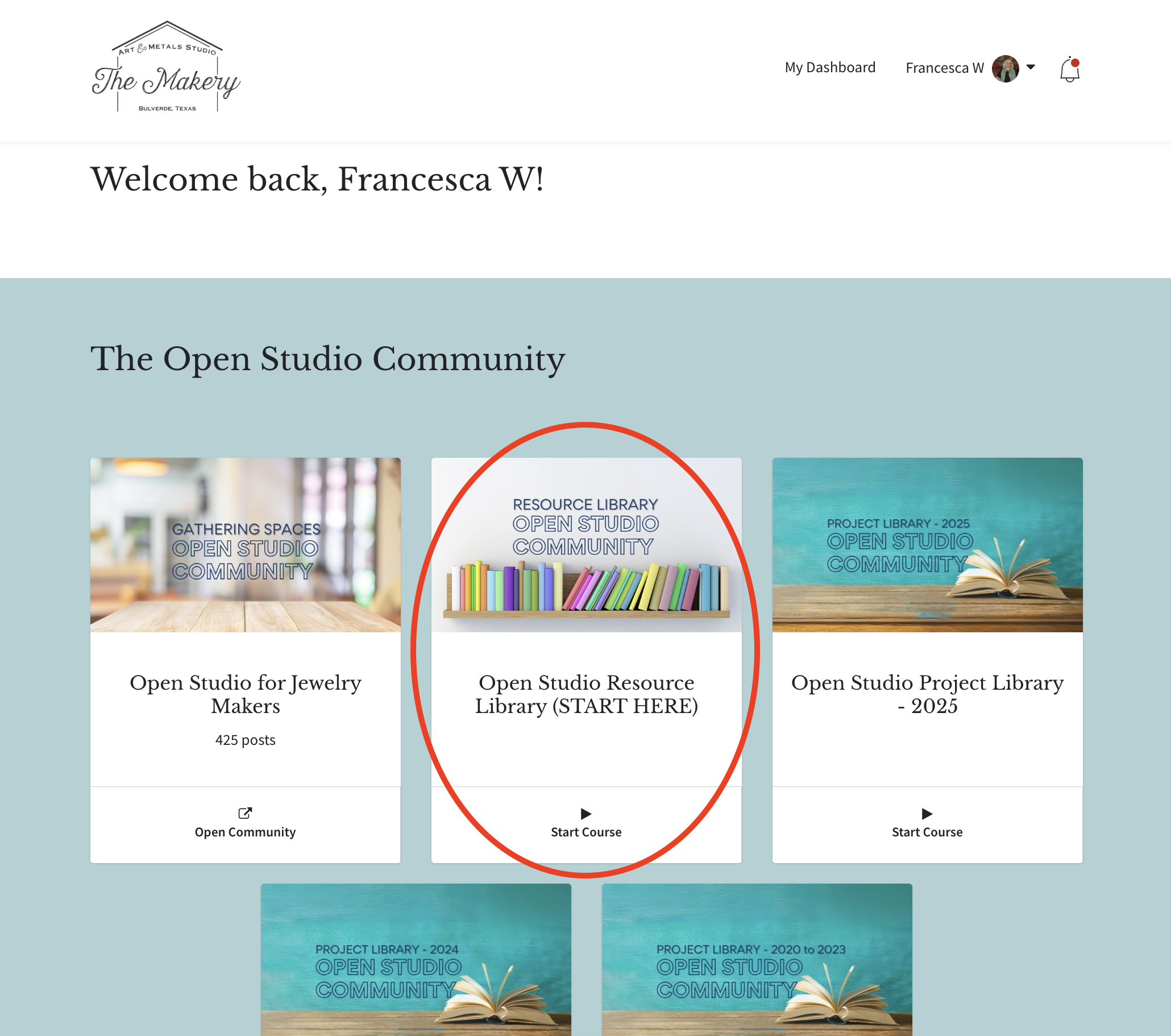
Our project libraries
Clicking on one of the Open Studio Project Library cards will take you to our collected projects and subscriber events for that year or collection of years. Earlier years include many videos that were downloaded from Facebook, where our community began, and some of the videos are less good quality-wise than what we captured in later years. The 2020-2023 projects include - in most cases - only the videos of the project demos; tools and materials lists didn't make it off the Facebook platform. Beginning in 2024, all member events were recorded and the monthly project sections include everything we have for that month's events, including tool and materials lists, workalong videos, and more. We are working on putting together a comprehensive searchable index to help our members locate content - in the meantime, our group moderators (Monica Leone, PollyAnna Randol, and Patty Tingstad) can usually help point you in the right direction.
Still have questions?
- If you're looking for something specific from one of our projects or events, post a question in the "Where is...?" space in our community hub or in our private Facebook group. Tag Monica Leone - we affectionately call her our "Content Wrangler" - but all of our moderators are knowledgeable and helpful!
- For questions about your account, please send an email to our studio manager, Ashley Kusmec, at [email protected]